Live demo & designs
See your tip page before you print a thing
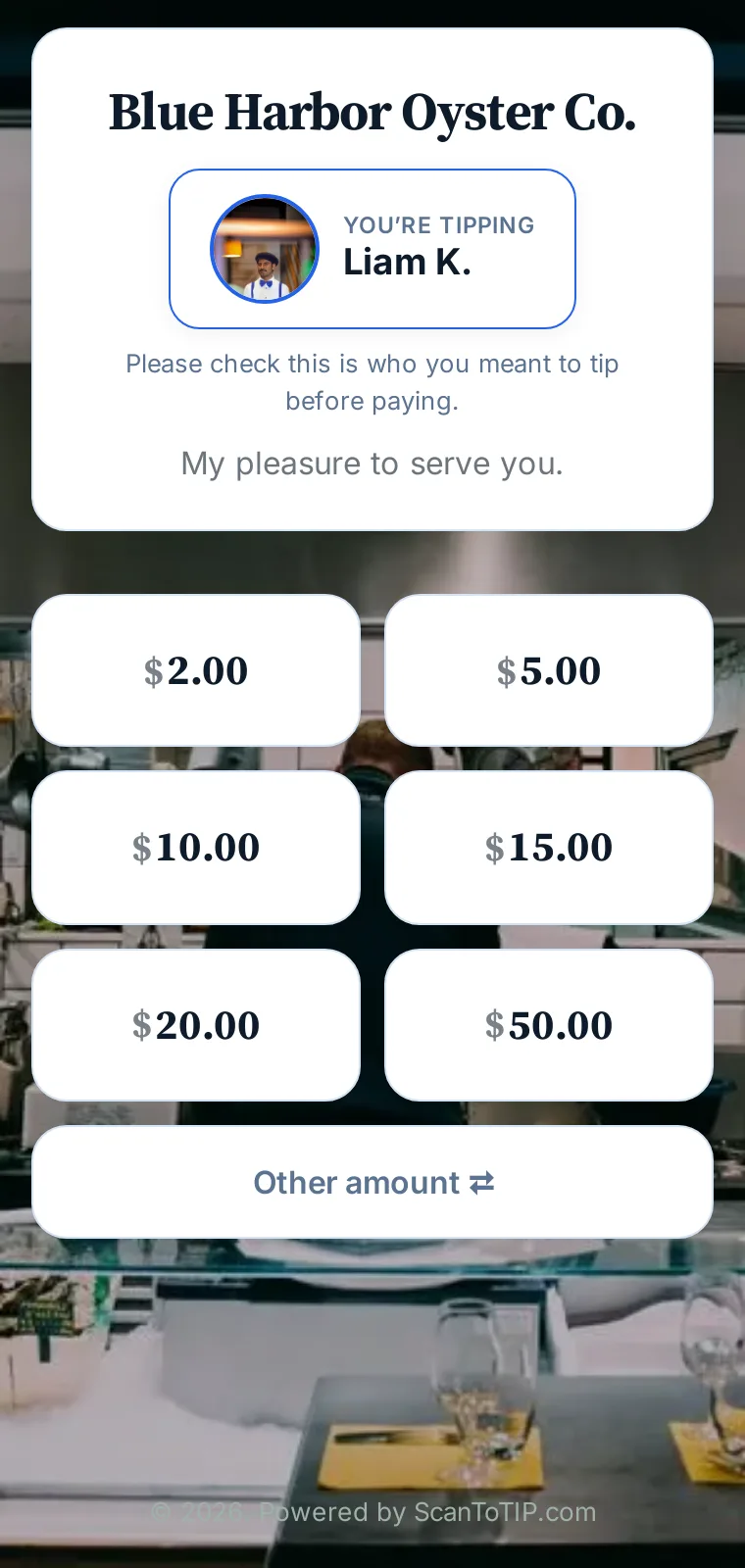
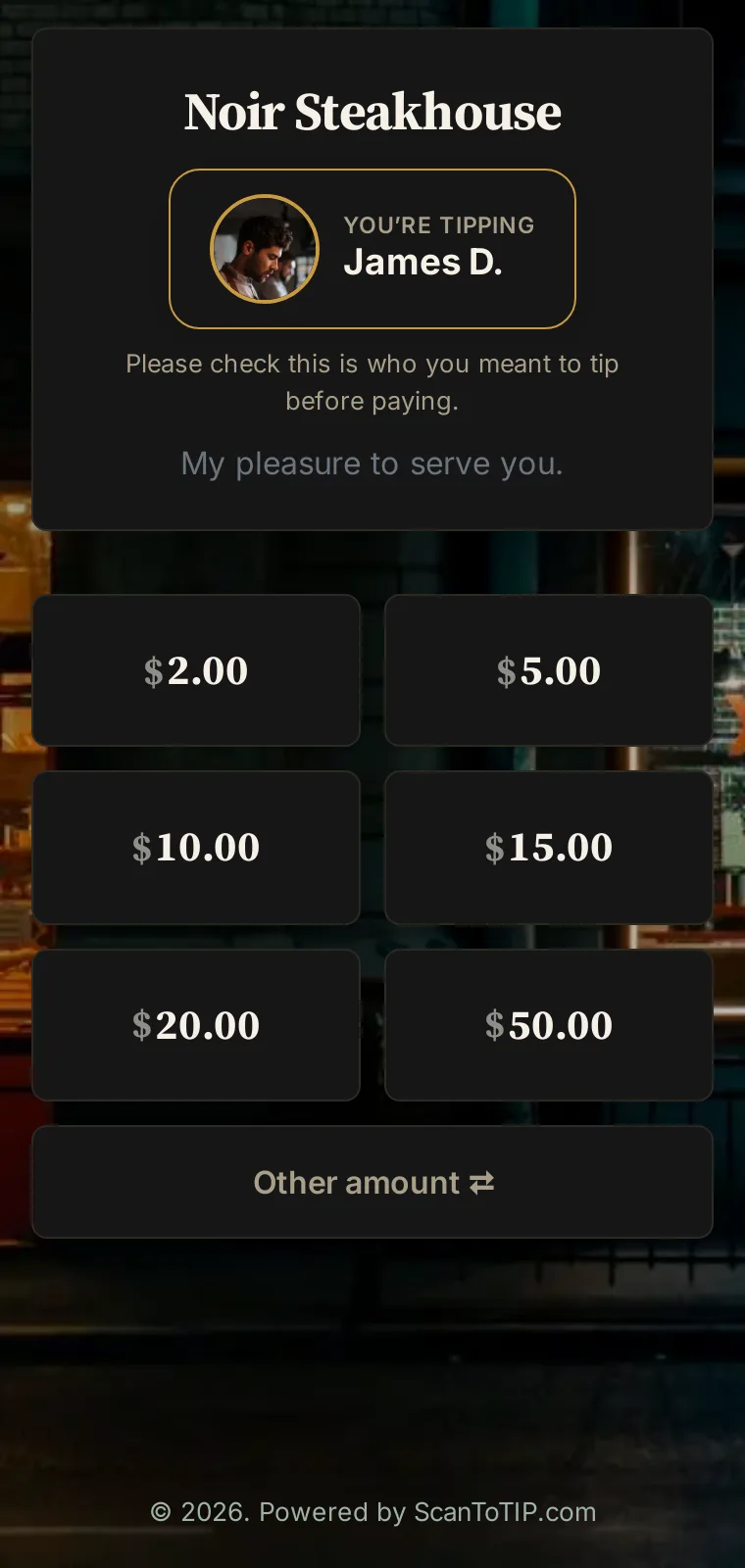
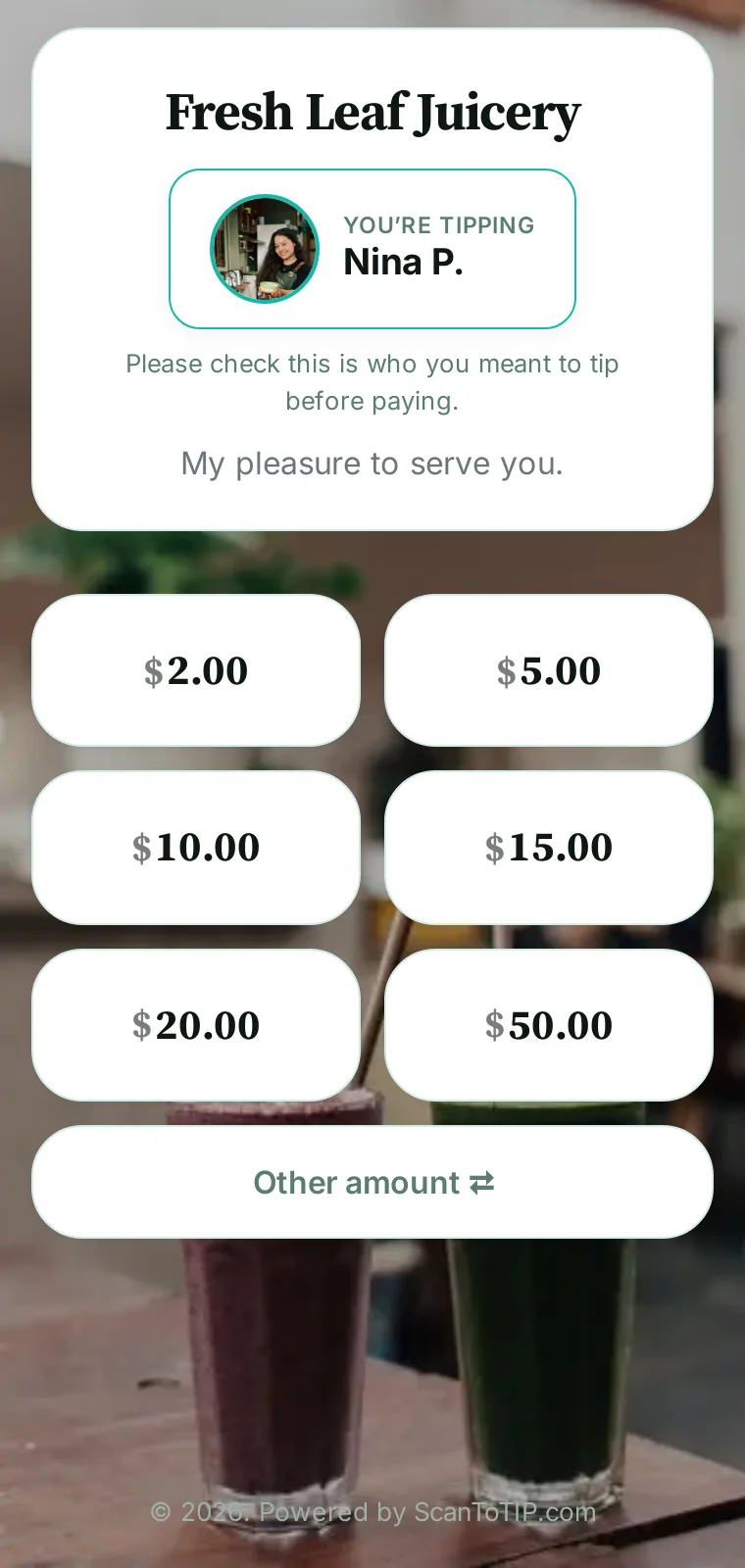
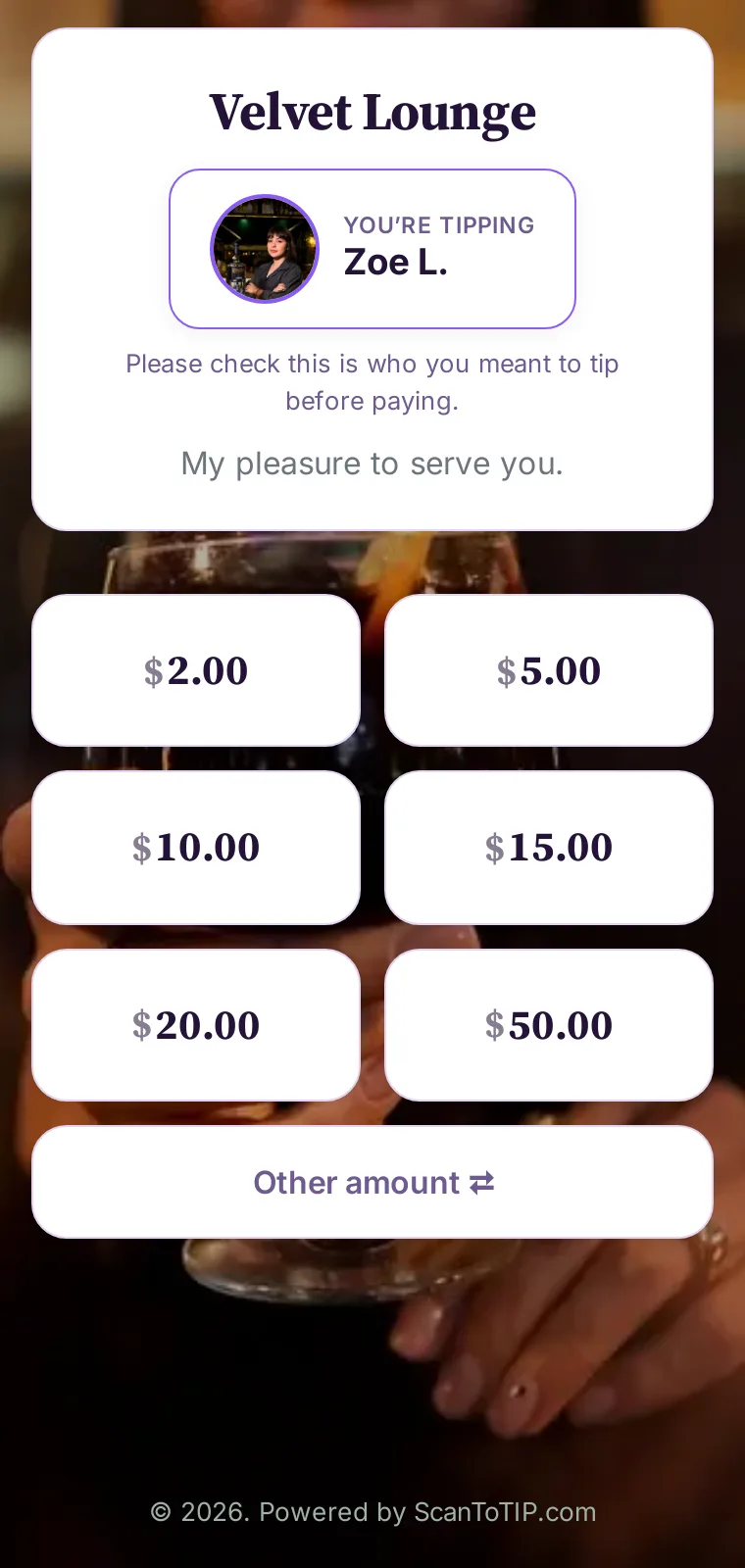
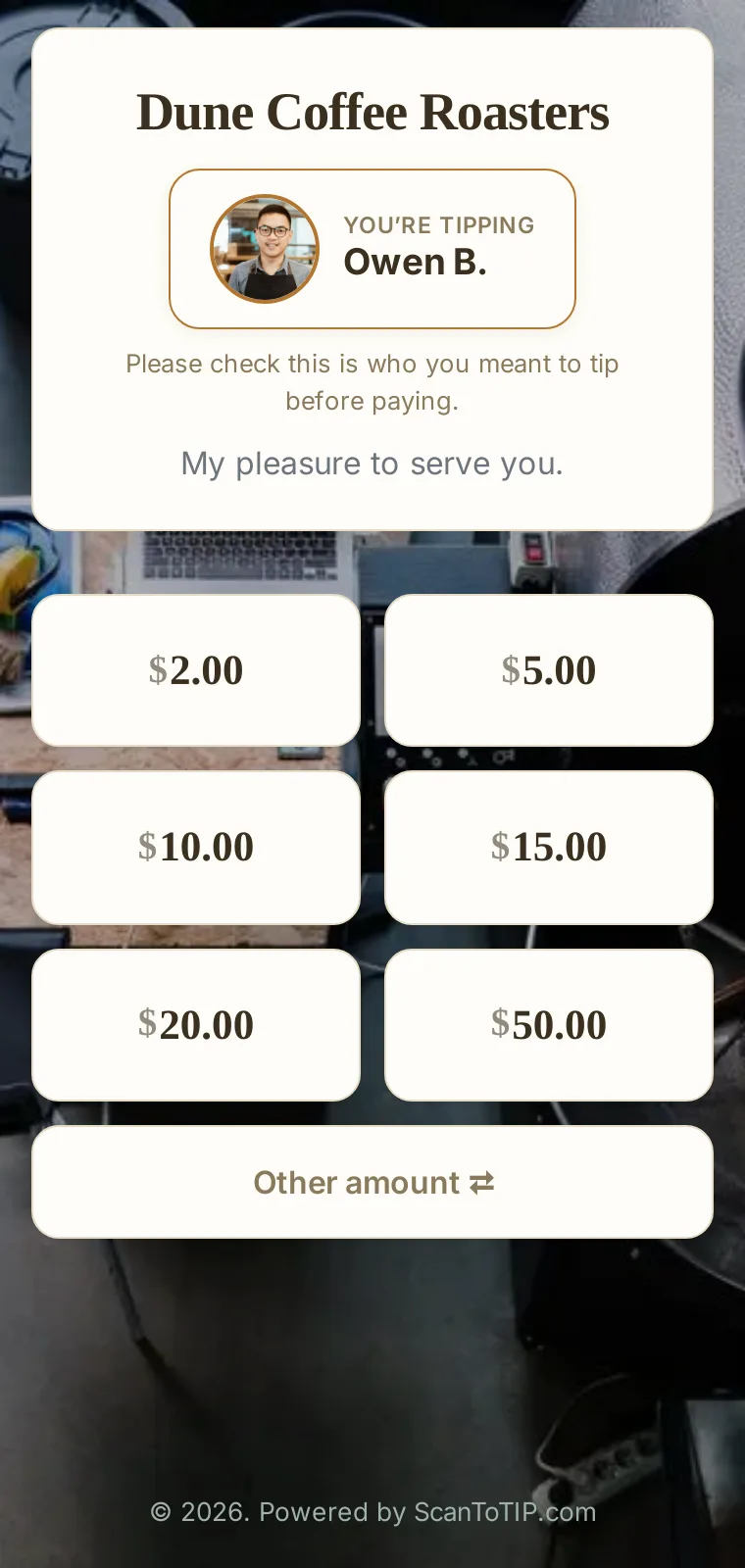
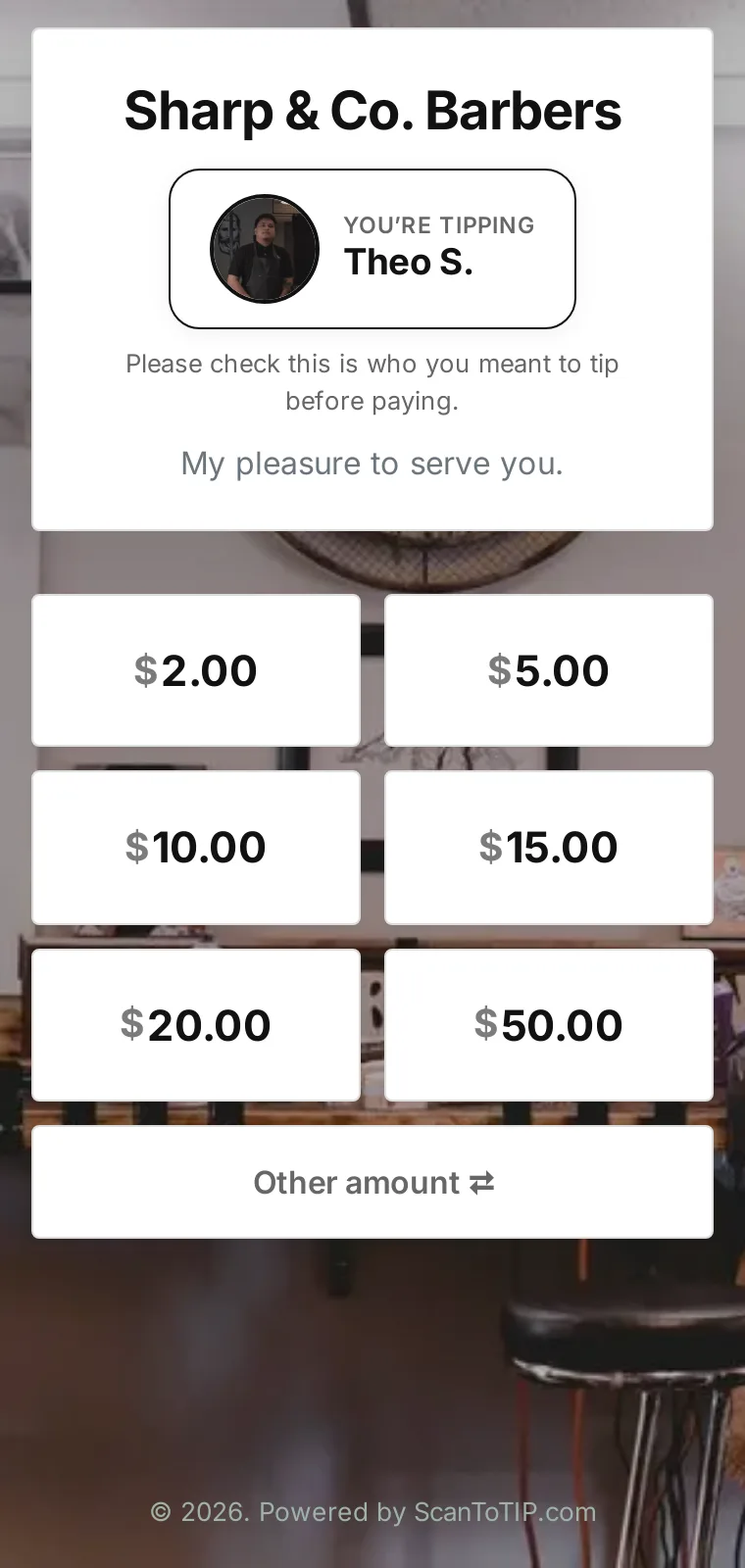
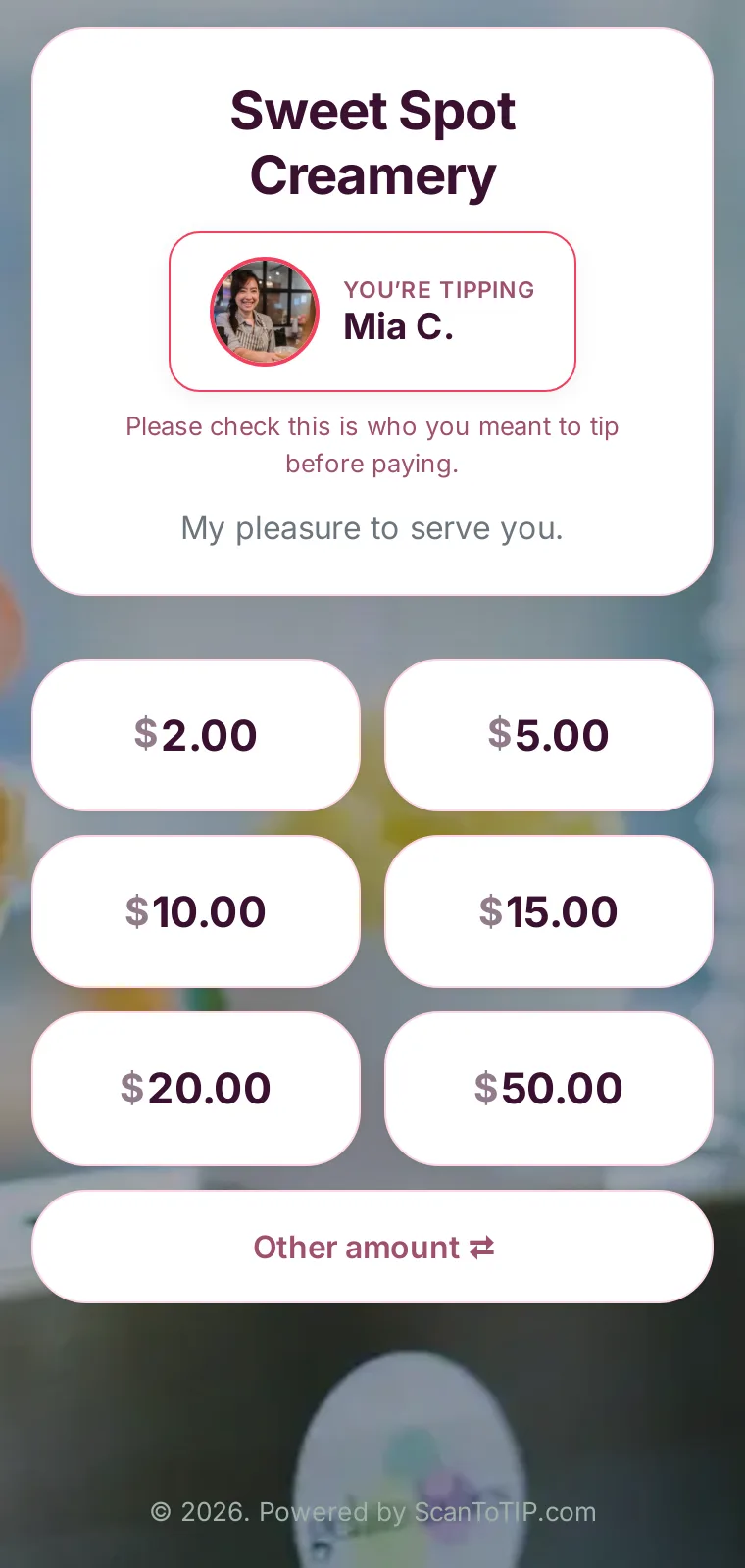
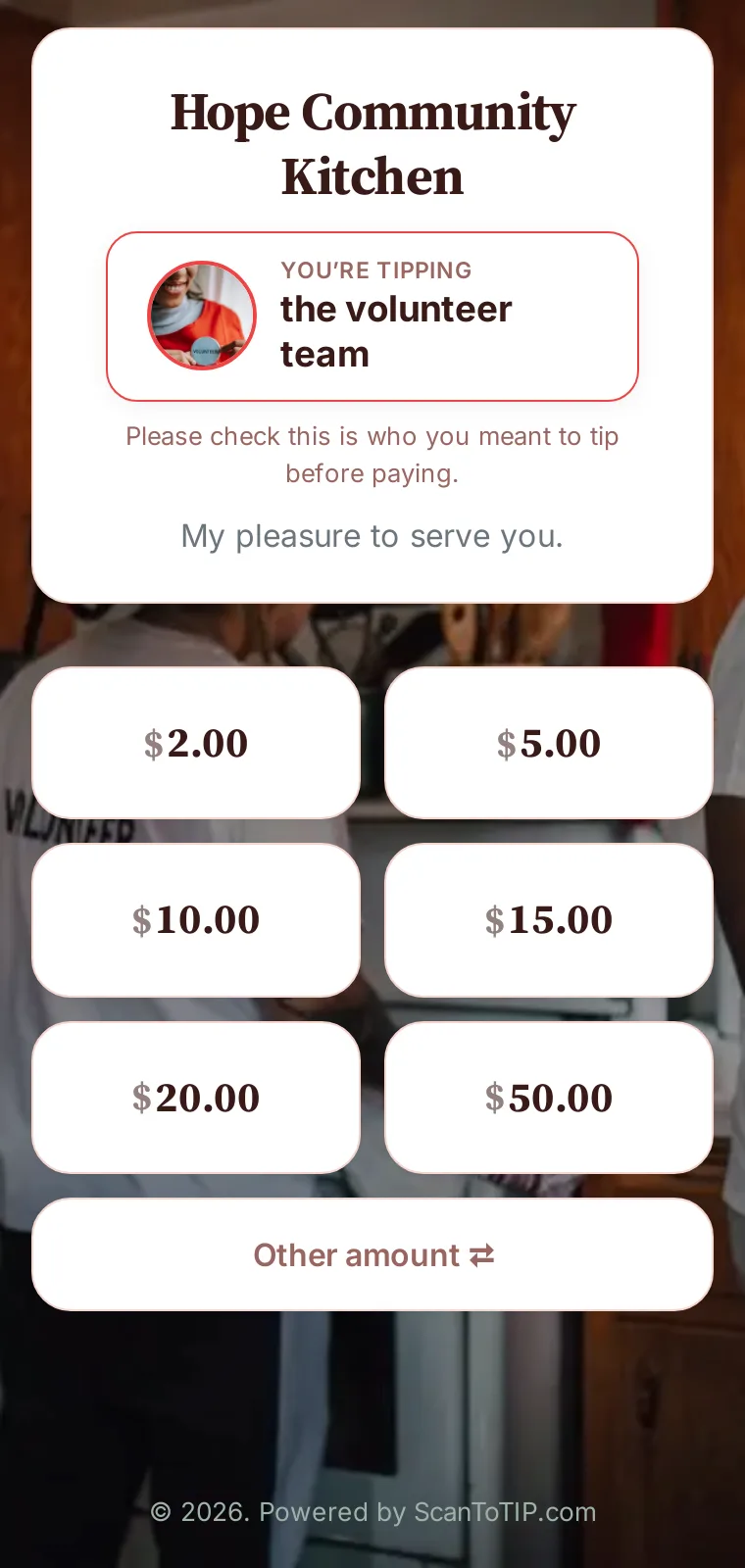
Every ScanToTIP page is fast, app-free and yours to brand. Pick from twelve ready-made designs, add your logo and a background, and switch the whole look with one tap. Here’s the guest’s journey — and every design — on a real phone.
The whole flow
From scan to thank-you in seconds No app to download, no account to create — the guest just scans and taps.
1
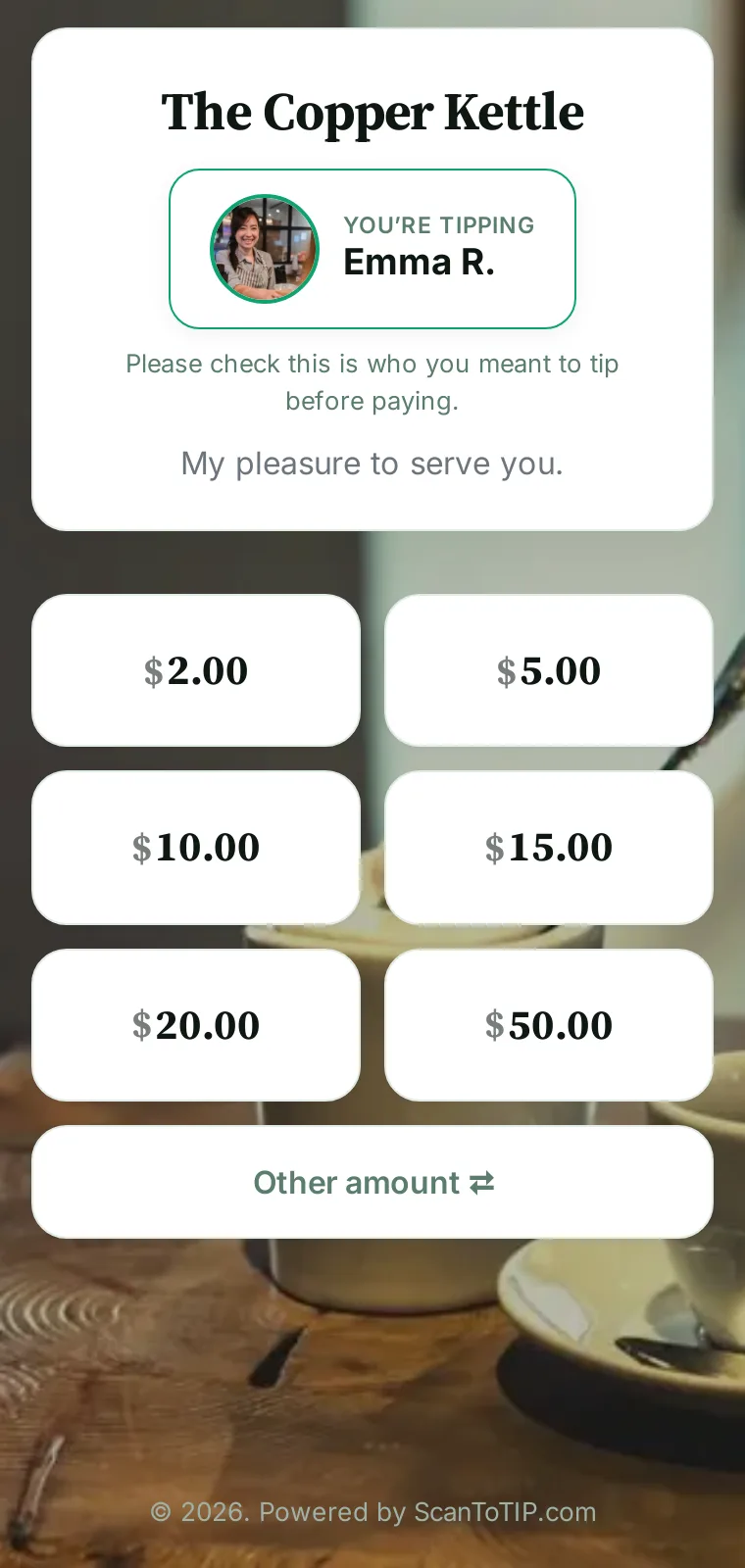
Scan to tip The Copper Kettle Guests scan your code On a table tent, the receipt or a name badge — anywhere you like.
2
Your page opens Instantly, in the browser. They see who they’re tipping and pick an amount.
3
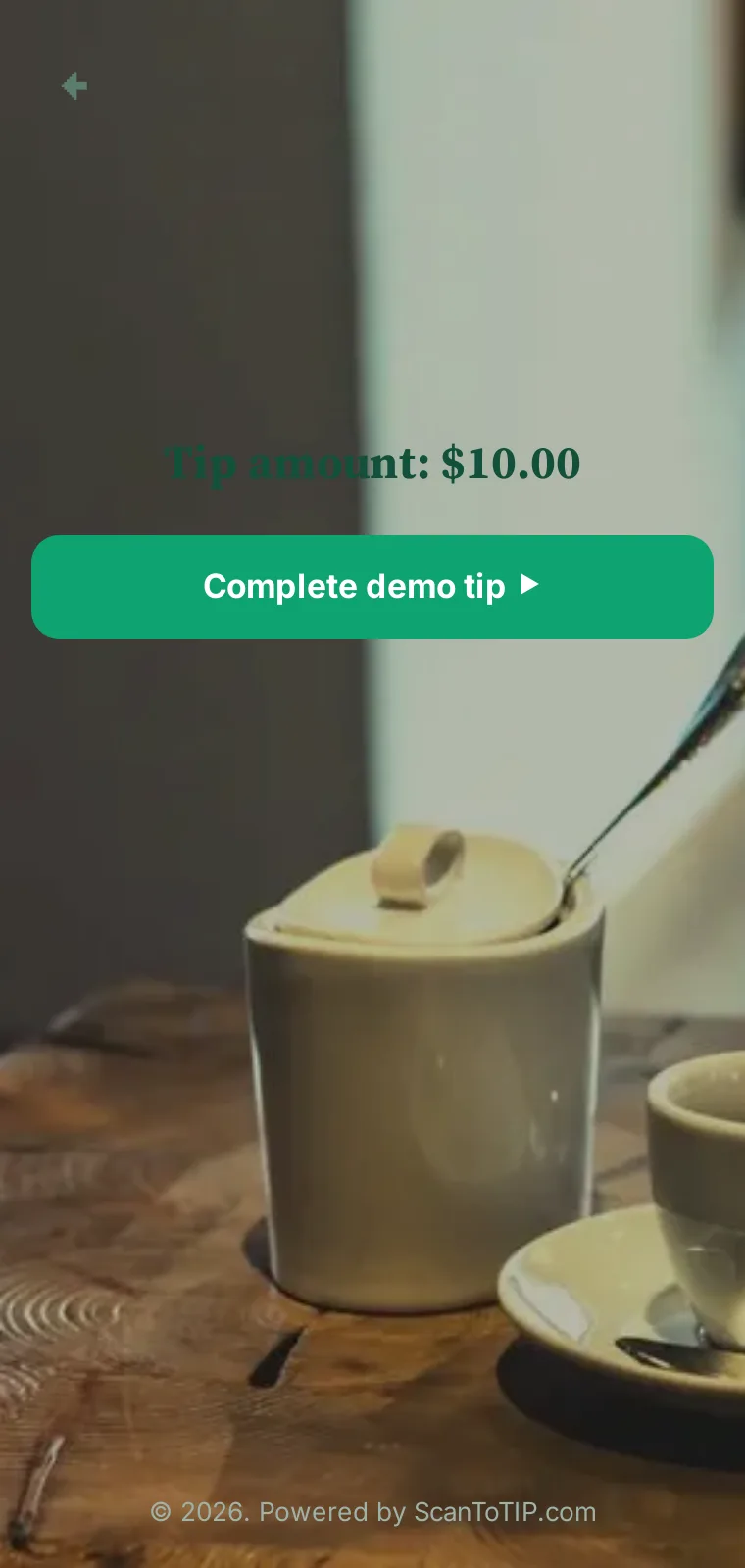
They confirm & pay With Apple Pay, Google Pay or card. Guests can cover the processing fee so it isn’t taken out of the tip.
4
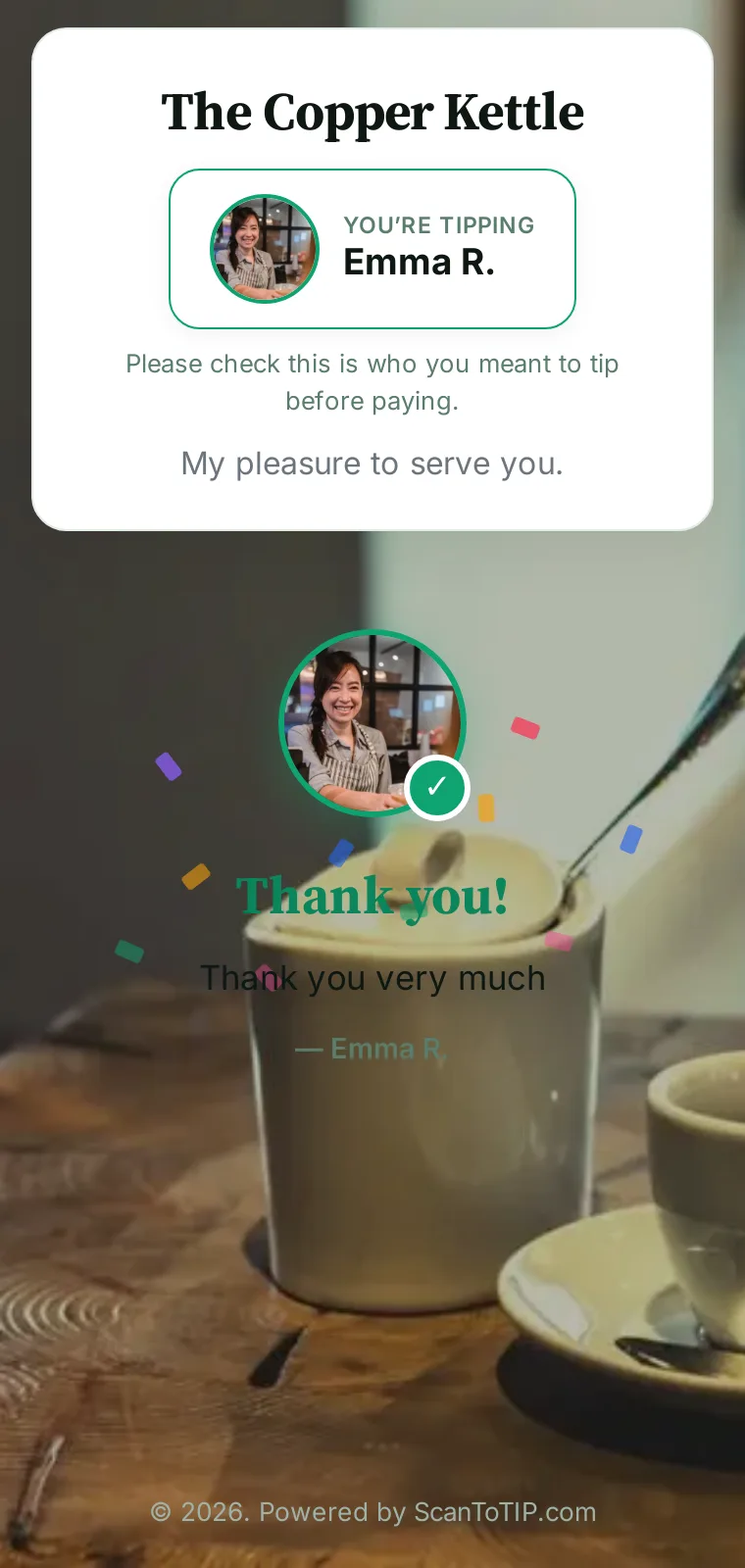
Your team is thanked A warm thank-you with the staff member’s face — and the tip is recorded.
Twelve designs
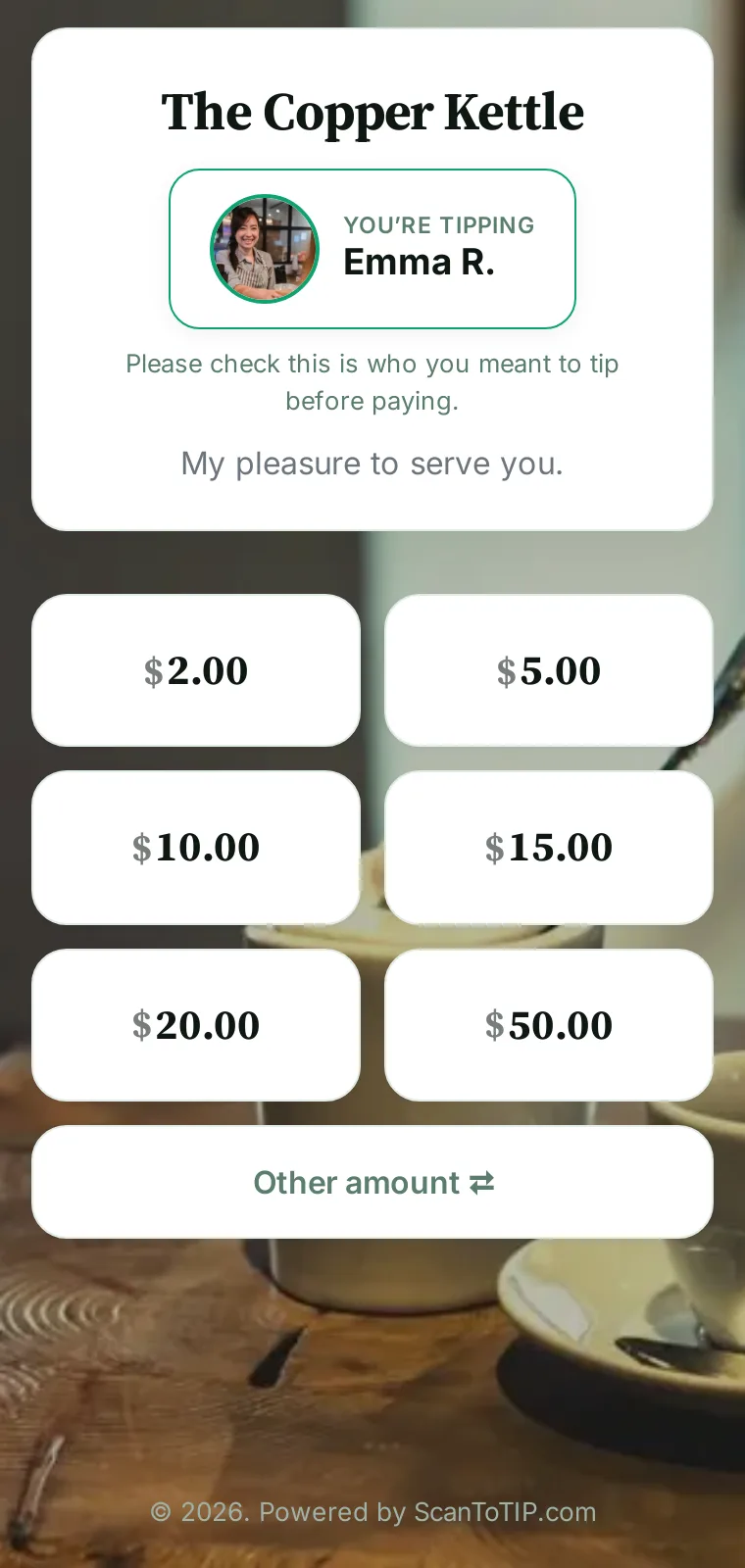
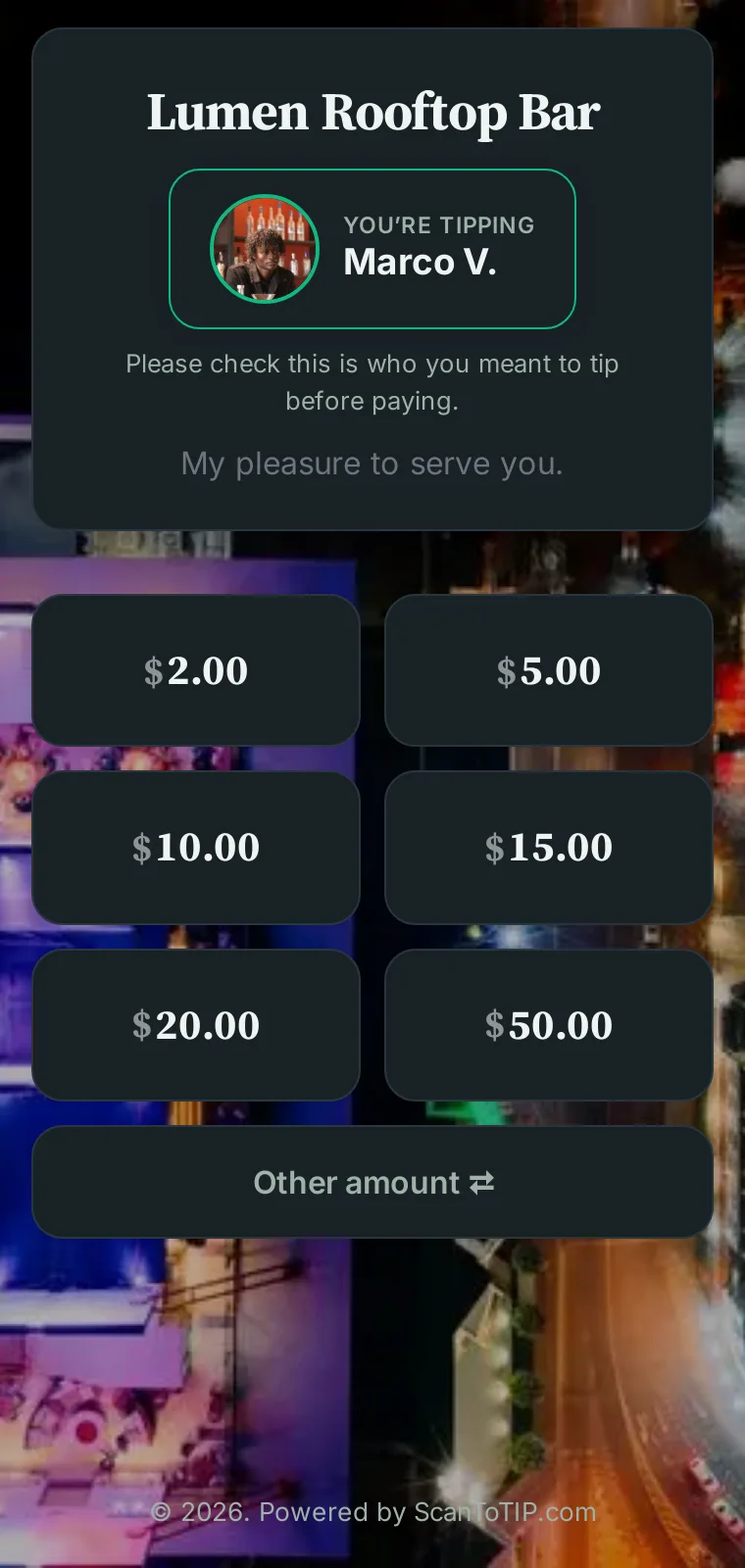
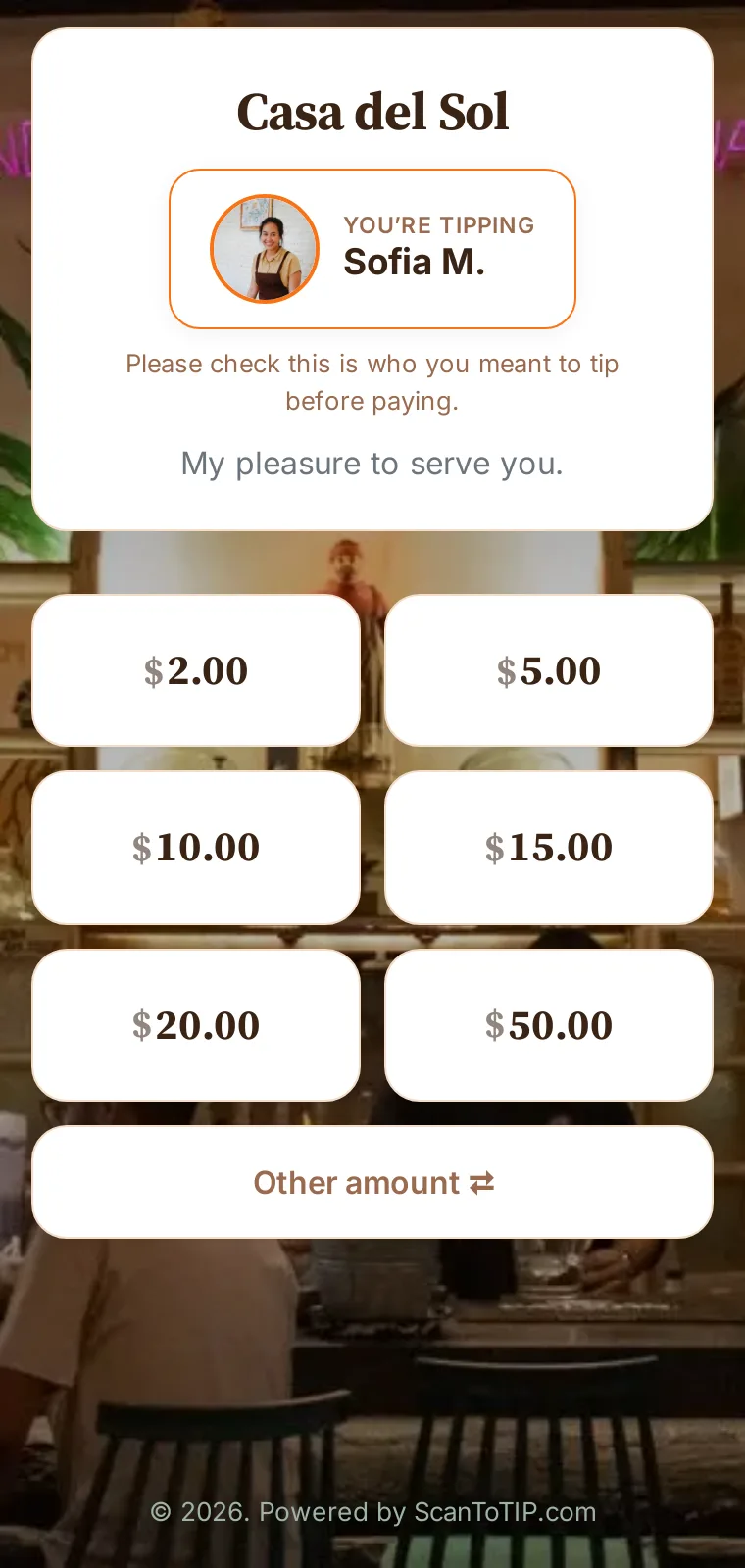
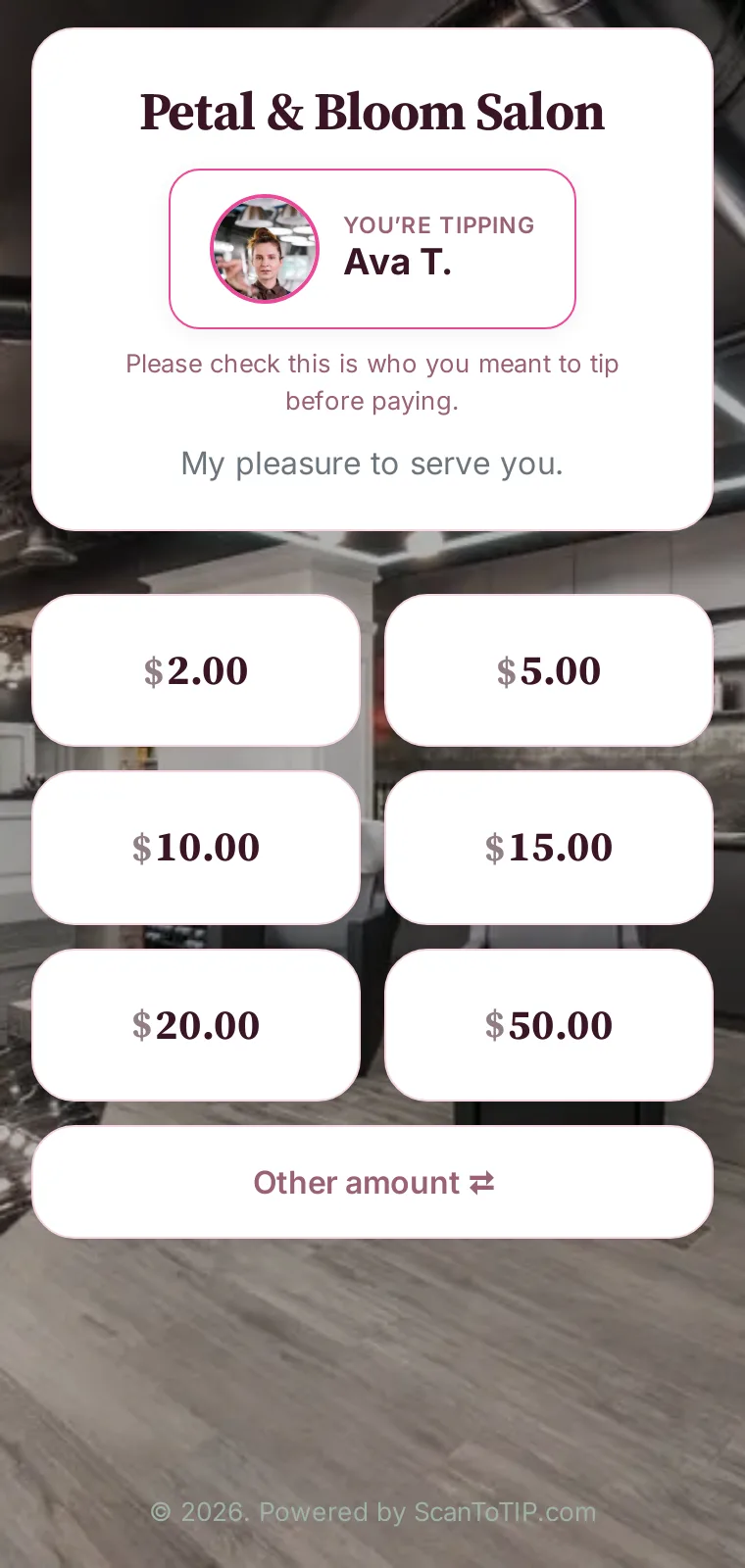
One look for every kind of place Switch the whole design with a tap in your dashboard. Each shown here on a real demo business — tap any one to open it live.
Make it yours in minutes
Free to start, no hardware, no contract. Pick a design, add your logo and a background, print your code — no cut taken from tips.
Get started free
Encrypted & secure Card data handled by PCI-compliant processors — never stored on our servers.
Self-serve setup Sign up yourself and create your first tipping code in minutes. No sales call.
No contracts Start free, upgrade anytime, cancel anytime. Transparent published pricing.
Every tip tracked Each tip is logged and shows up in per-staff tip reports.
Guests pay with
We use essential cookies to run ScanToTIP and, with your consent, analytics cookies to understand how the site is used. See our Cookie Policy .